
Cell development
tweak your cellular phone to get the most out of it
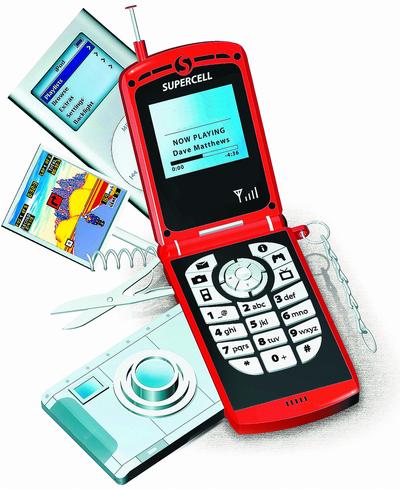
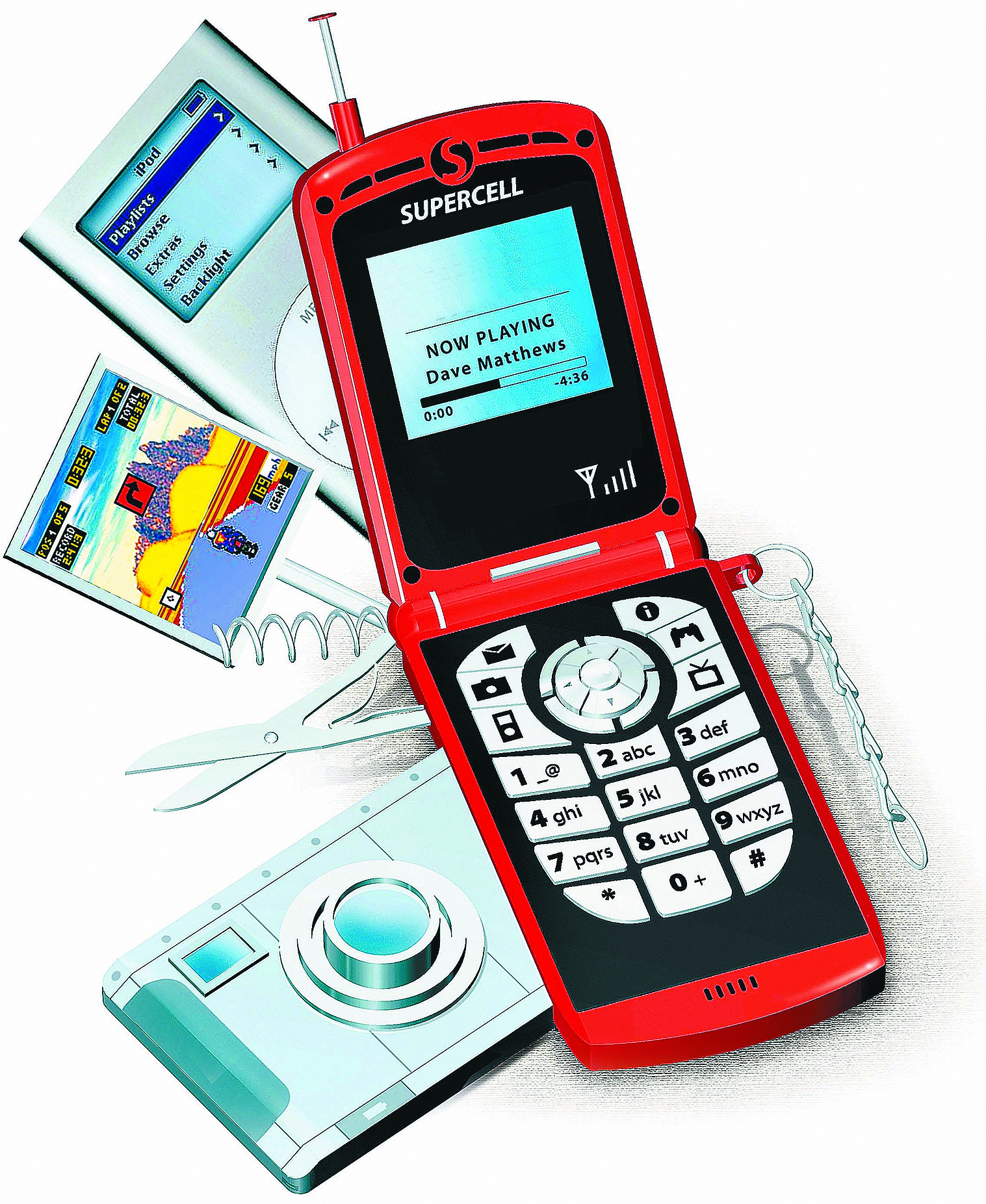
Many people think of their cell phones only as necessities – utilitarian devices that become “digital handcuffs.” Fortunately, there are some easy things you can add to your phone to make it more interesting – and sometimes more productive – for free.
Play me a tune
The default rings on your cell phone become tiring quickly. Plus, everyone else in your vicinity has the same ones to choose from, so you can never tell if it’s your phone ringing.
Most newer phones have cables to connect them to a PC (mini-USB seems to be the new standard). If you have that connector, forget buying ringtones – make your own. Just take any mp3 in your music collection and edit it down to a 10- to 20-second tone.
You can use many programs, including the free editor Audacity (at audacity.sourceforge.net/) to cut down the song. Since most phones want the tune in mp3 format, be sure to download the free LAME Encoder (free-codecs.com/download/ Lame_Encoder.htm), and export your finished project in the compressed format.
Then it’s just a matter of hooking up your phone to the PC, dropping the tone into the “Audio” or “Ringtones” folder, and setting that mp3 clip as your tone in your phone’s ringtone settings. These vary, so check your manual if you are unsure. And, please, be considerate with the songs and volume you choose — Death Metal and Screamo tend to annoy others.
By the way, if you want to get really clever, most phones will allow a different ringtone for different people in your address book. This setting varies, so check the properties of an address book entry and look around to find this slick feature.
Show off your interests
If you know what size your phone’s screen is (Google your phone’s model number followed by “screen resolution”), you can easily crop images in PhotoShop or other photo-editing programs and transfer them via USB to the “Images” folder on your phone. Then select your picture in your phone’s wallpaper settings.
Or, almost all camera phones offer the ability to make any photo you take the device’s default background.
A word of warning: Stay away from sites offering pre-made wallpapers. Many of them harbor large amounts of spyware or viruses.
Dude, where’s my gmail?
If you use Google’s excellent e-mail service, you can find a free Java application that allows you to check messages on your phone. It works with many current devices, but make sure by checking your model with the master list at google.com/mobile/gmail. If your phone is compatible, just put in your number and the Google folks will send your phone a message with a download link. If you need help, check out their helpful video on the same page.
What was I supposed to do again?
Never ask this question again after learning about rememberthemilk.com. After registering for a free account and posting your to-do items, click a link titled “Settings.” From there, choose the “Reminders” tab, and find SMS (Text Messaging). Here, you can enter your phone number and the site will send you text reminders for anything you like.
So don’t let your cell phone remain a boring piece of technology. Spend a little time to liven it up, and it will become more interesting (and useful) than you expected.